
The Plain Meaning of Punching In and Out
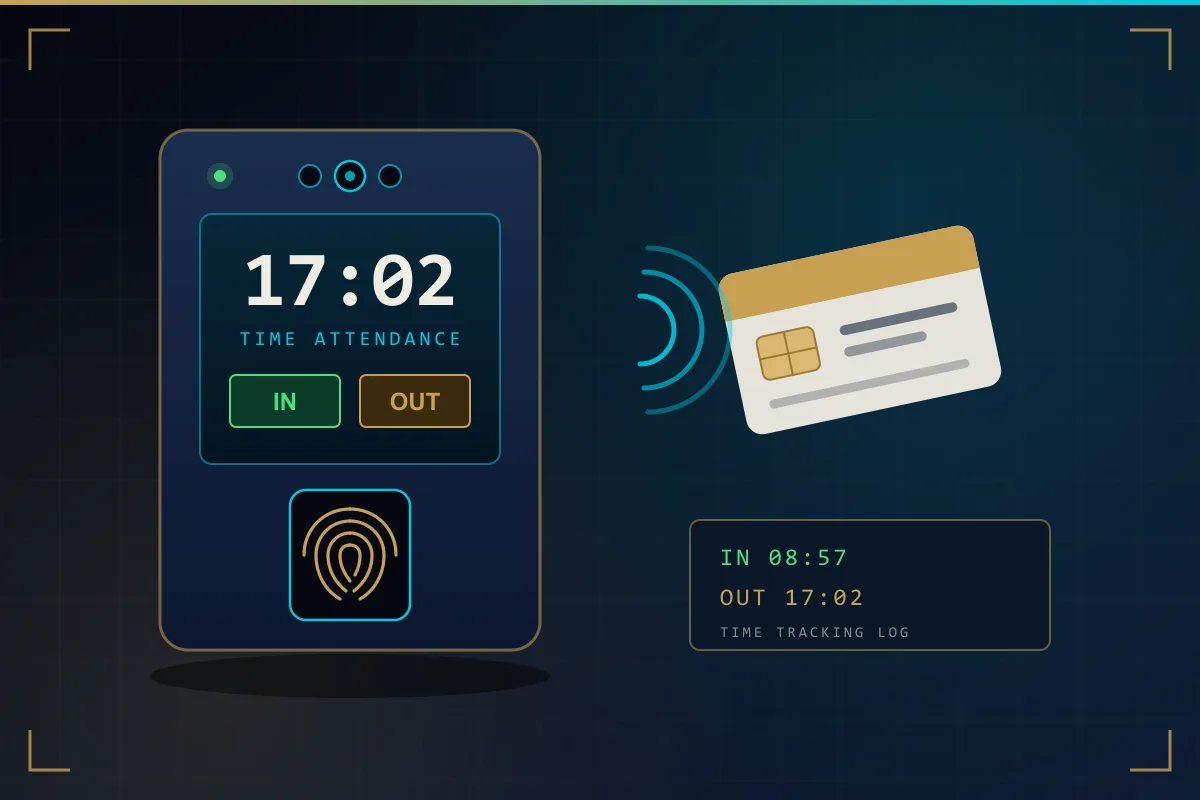
The phrase comes from the old mechanical time clock, where a worker inserted a paper card and the machine punched or stamped the time onto it. The cards are mostly gone but the language stayed. Today, employee punching means identifying yourself at an electronic terminal — by fingerprint, face, card or PIN — so the system records the exact time against your name.
A punch-in/punch-out system is therefore two things: the punching machine on the wall, and the time tracking software behind it that stores the punches and calculates attendance. The machine answers the question "who, and when?". The software answers "so what does that mean for their hours, lateness and pay?".
What a Punching Machine Actually Records
Each punch is a very small record: the employee ID, the date and time, which device it came from and, on many machines, a status such as check-in, check-out, break-out or break-in. The machine does not know about shifts or salaries. It only collects accurate, time-stamped events and passes them to the software over the network.
There are two common ways of telling a punch-in from a punch-out. Some workplaces ask employees to press a key to choose the status before punching. Others let the software decide automatically: the first punch of the day is treated as in and the last as out. The automatic approach is easier for staff and avoids wrong-button errors, and it suits most single-shift workplaces. Larger sites sometimes use separate punch-in and punch-out machines at entry and exit so the direction is never in doubt.
How Punches Become a Timesheet
A timesheet is what you get when raw punches are compared with the hours a person was expected to work. The software follows a sequence something like this:
- Collect the punches from every device and group them by employee and by day.
- Look up which shift the employee was assigned to on that day.
- Pair the punches into in and out times, and identify any break punches.
- Compare the actual times with the shift times to find lateness, early exit and absence.
- Calculate worked hours, deduct breaks according to your policy and work out any overtime.
- Present the result as a daily record and roll it up into a weekly or monthly timesheet.
Because the calculation is rule-based, the same punches always produce the same result. That consistency is the real value of time tracking by machine: the timesheet is not an opinion, and anyone can trace a figure back to the punches behind it.
Shift Rules: Grace Periods, Lateness and Early Exit
The software is only as fair as the rules you give it. Before the system goes live, decide and document the basics: shift start and end times, the working week, public holidays, and how much grace you allow before an arrival counts as late. Rotating shifts, split shifts, night shifts that cross midnight and reduced working hours during Ramadan can normally all be defined as separate shift patterns and assigned to the right people.
It is worth setting these up carefully at the start. When rules are configured properly during attendance system installation, reports are trusted from the first month. When they are left at defaults, HR ends up correcting reports by hand and confidence in the system drops.
Missed Punches and Corrections
People forget. Someone goes straight to a client site, leaves through a different door, or simply walks past the machine. The result is a day with an in but no out, or no punches at all. A good system flags these exceptions clearly instead of guessing.
The usual remedy is a manual correction entered by an authorised person, with a reason. Good practice is to keep corrections limited to a few administrators, require supervisor approval, and make sure the software keeps a record of who changed what. Leave, business travel and approved off-site work should be entered as such, so that an absence of punches is explained rather than treated as absence from work.
Breaks and Overtime
Breaks can be handled in two ways. With a fixed deduction, the software subtracts a set break period from each working day and employees do not punch for breaks at all. With punched breaks, employees punch out and back in, and the actual break time is deducted. Fixed deductions are simpler; punched breaks are more precise and suit workplaces where break lengths vary.
Overtime is calculated from the hours worked beyond the shift. The rules are yours to define: whether overtime starts immediately after the shift ends or after a minimum period, whether early arrival counts, whether it needs a manager to approve it, and how rest days and public holidays are treated. The software applies those rules uniformly and reports overtime separately, so it can be reviewed before it reaches payroll. Make sure your rules reflect your employment contracts and UAE labour requirements.
Exporting to Payroll
At the end of the pay period, the approved timesheet becomes the input for payroll: days worked, absences, late minutes and overtime hours per employee. Most attendance software can export this as a spreadsheet or a structured file, and some products can integrate directly with HR or payroll software. What is possible depends on the software at both ends, so check this before you buy rather than after.
Two details make the export painless: using the same employee IDs in both systems, and closing the period only after exceptions have been reviewed. Companies with several locations get the most from this when all biometric devices report into one database, as in a centrally managed attendance system for UAE branches, so payroll receives one consistent file rather than one per site.