A storage area network gives several servers fast, shared access to the same pool of disks. VOWTECH designs and deploys SAN storage for organisations in Abu Dhabi, Dubai and across the UAE whose virtualisation clusters, databases and core applications need storage that is quick, shared and built without single points of failure.
In a SAN, a storage array carves its drives into volumes and presents them to servers across a dedicated network. Each server sees a volume as if it were a local disk, yet several servers can share it. That shared view is what allows a virtual machine to move from one host to another, or restart elsewhere, when a host fails.
This is a different tool from NAS storage, which shares folders with people. A SAN serves servers, and it is justified when you run a cluster of virtualisation hosts, demanding databases or applications where storage speed and continuity directly affect the business. For a single server, internal disks are usually enough.
Most of a SAN's value lies in the design around the array: two controllers, two switches, two paths from every host, and volumes laid out to suit the workloads. VOWTECH designs that fabric, installs and configures it, connects your hosts and proves that a cable, switch or controller can fail without the systems stopping.
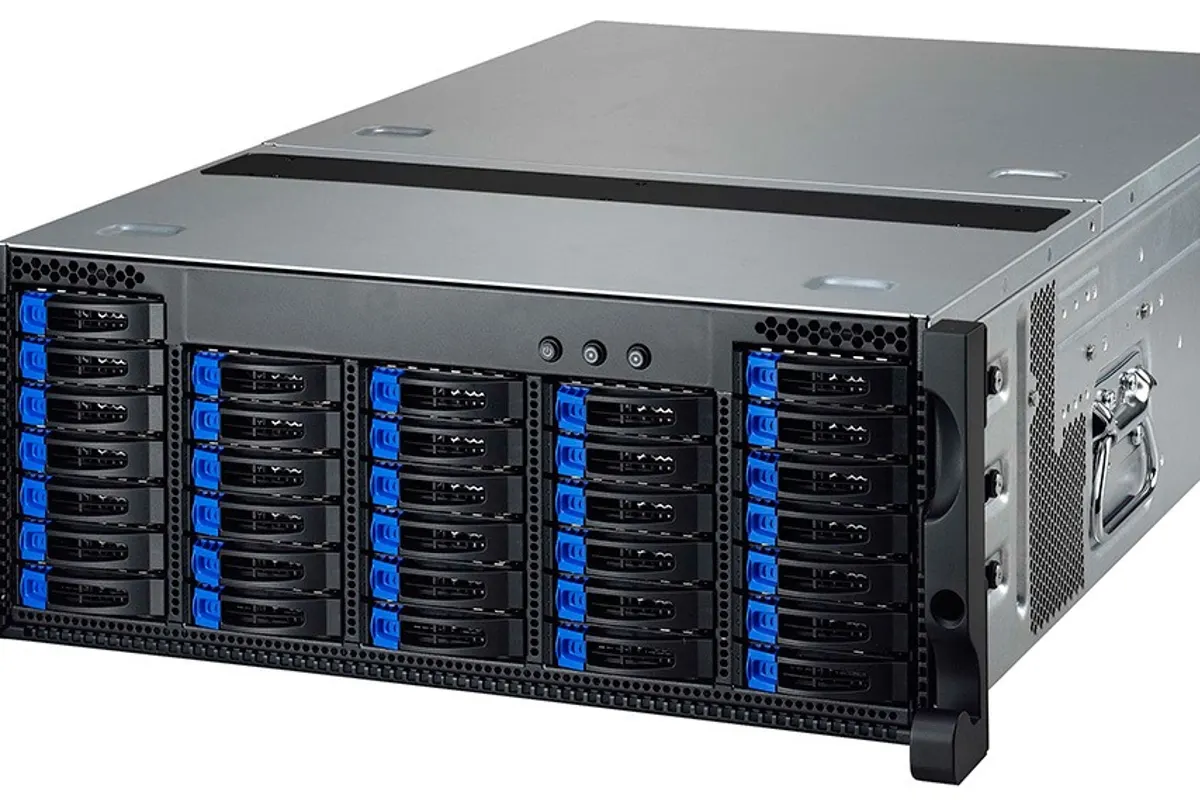
Two decisions shape a SAN: how servers connect to it, and what kind of drives sit inside it.
Storage traffic carried over Ethernet using dedicated switches or VLANs. Familiar technology, lower cost of entry and a strong fit for small and medium virtualisation clusters.
A purpose-built storage network with its own switches and host adapters. Chosen for larger environments where consistent low latency under heavy load is the priority.
All-flash arrays deliver the quickest response for databases and busy virtual desktops. Hybrid arrays mix flash with high-capacity disks and place active data on the faster tier.
Work that begins with measurement and ends with a tested, documented storage platform.
We measure the capacity, throughput and response-time needs of your current servers, so the array is sized from evidence instead of guesswork.
Switches, host adapters and cabling are laid out so every host has two independent routes to two controllers, with multipathing configured on each host.
Drive pools, RAID protection, hot spares and volumes are created to match workloads, then mapped only to the hosts that should see them.
Volumes are presented to VMware or Hyper-V clusters as shared datastores, and live migration and host failover are configured and tested.
Array snapshots provide quick rollback points, and replication to a second array at another site supports a disaster recovery plan.
Alerts for drive, controller and path faults are configured, and array and switch firmware is kept current through planned, non-disruptive updates where supported.
A SAN carries everything above it, so each stage is verified before the next.
Existing storage use and performance are measured and growth expectations are agreed.
Array, fabric, host connectivity and volume layout are designed and documented.
Array and switches are installed, updated, configured and tested before hosts are attached.
Hosts are connected and virtual machines or data are moved across in planned stages.
Paths, switches and controllers are failed deliberately to confirm systems stay up, then documented.
The capabilities that justify the investment over disks inside each server.
Because every host sees the same storage, workloads can restart or move when a server fails or needs maintenance.
A dedicated fabric and pooled drives give databases and virtual machines steady response under load.
Space is allocated from one pool to whichever server needs it, instead of being stranded inside individual machines.
Dual controllers, switches, paths and power supplies let a component fail without an outage.
File-level shared storage for office documents, archives and backups.
Learn moreOngoing monitoring, capacity planning and upkeep of storage platforms.
Learn moreComparing storage approaches for different business needs.
Learn moreHost clusters that rely on shared storage for failover and mobility.
Learn moreReplication and recovery planning for critical systems.
Learn moreAnnual maintenance for servers, storage and network infrastructure.
Learn moreTell us about your hosts, workloads and growth plans. We will assess what you need and design a SAN that fits, or tell you if something simpler will do.