VOWTECH sets up S/MIME email security for businesses in Abu Dhabi, Dubai and across the UAE. Messages can be encrypted so only the intended recipient can read them, and digitally signed so the recipient knows who sent them and that nothing was altered on the way.
A standard email is closer to a postcard than a sealed letter. It passes through several servers between sender and recipient, and the sender name on the front is easy to fake. For contracts, payment instructions, HR matters, legal advice or medical information, that is an uncomfortable foundation.
S/MIME addresses both weaknesses using digital certificates issued to individual mailboxes. A signature proves the message came from the certificate holder and has not been changed, which is a strong defence against invoice fraud and impersonation, complementing anti-phishing protection. Encryption scrambles the content so that only the recipient holding the matching private key can open it.
The technology is built into Outlook, Microsoft 365 and Exchange Online and most mobile mail apps, so there is no new software for staff to learn. The work lies in issuing certificates, installing them on every device, publishing them so colleagues can find them, and renewing them before they expire. That is what VOWTECH manages.
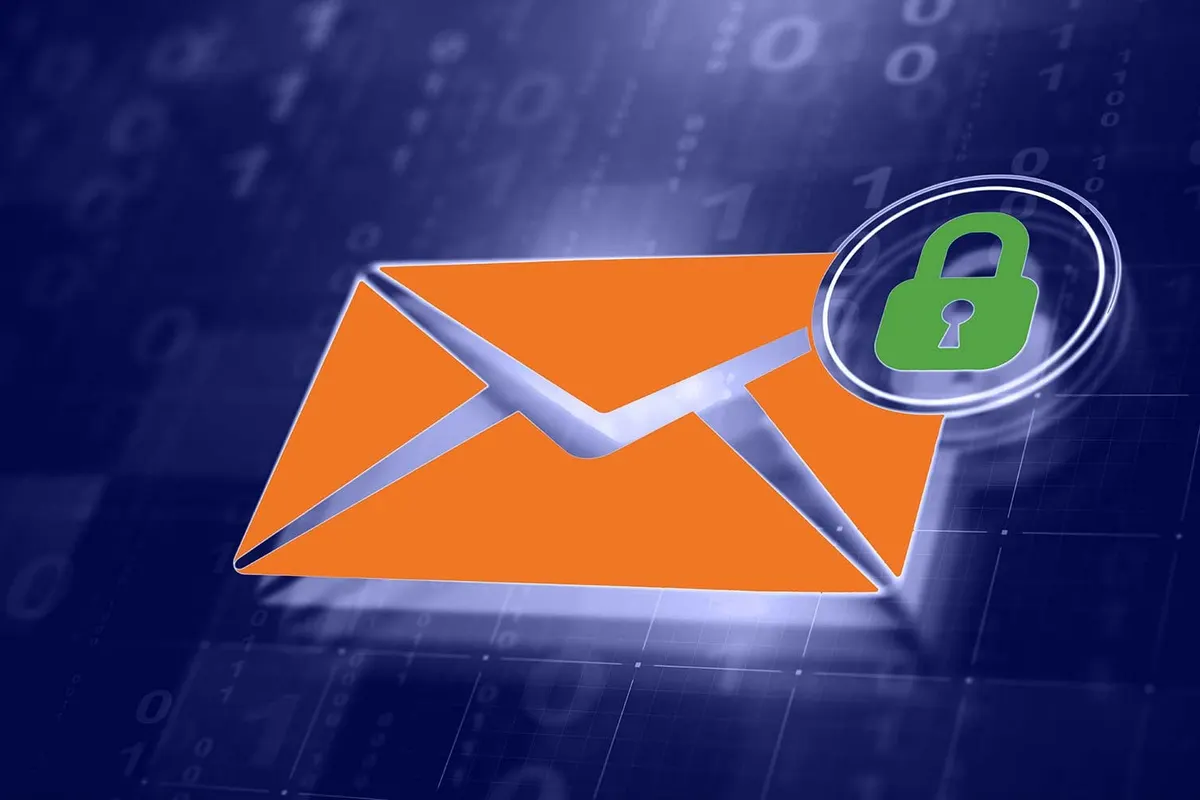
Signing and encryption can be used separately or together. Certificate management keeps both working.
A signed message carries a cryptographic seal tied to the sender. The recipient sees a verification mark, and any change to the content after sending breaks the signature.
The message body and attachments are encrypted with the public key of the recipient. Mail servers and anyone intercepting the message see only unreadable data.
Every user needs a valid certificate on every device. Without central management, certificates expire unnoticed and old encrypted mail becomes unreadable when keys are lost.
A complete implementation covers certificates, mail clients, mobile devices and the people using them.
We establish who needs signing, who needs encryption and which external parties are involved, then advise on a suitable certificate type and public or internal certificate authority.
Certificates are requested, validated and installed for each mailbox, with private keys protected and distributed securely to the devices each user works on.
Outlook on desktop and web is configured for signing and encryption, certificates are published to the directory, and default behaviour is set by policy where appropriate.
Certificates are deployed to iOS and Android mail apps, ideally through mobile device management, so signed and encrypted mail works on phones as well as PCs.
Expiry dates are tracked and certificates renewed in good time. Certificates are revoked when staff leave, and archived keys allow older encrypted mail to be opened.
Short, practical guidance for staff: when to sign, when to encrypt, how to exchange certificates with an outside contact and what the warning icons mean.
A small pilot first, then a steady rollout across the mailboxes that need it.
We review your mail platform, devices, user groups and the external parties you exchange sensitive mail with.
The certificate authority and certificate type are chosen, and certificates are requested and validated.
A small group is set up first to confirm signing and encryption work across every device type.
Certificates and mail client settings are deployed to remaining users, with policies applied.
Internal and external message exchange is tested, staff are briefed and renewal tracking begins.
The cases for S/MIME are practical: fraud prevention, confidentiality and meeting the expectations of partners.
Recipients can tell a genuine message from your finance team apart from a convincing imitation.
Sensitive documents are unreadable to anyone but the intended recipient, even if a mailbox server is compromised.
Banks, government entities and international partners sometimes require signed or encrypted correspondence.
VOWTECH, based in Abu Dhabi, handles certificates and renewals so secure email does not silently stop working.
Filtering, impersonation protection and awareness measures against deceptive email.
Learn moreMailbox migration, administration and security configuration for Microsoft 365.
Learn moreKeep malicious attachments and junk mail away from user inboxes.
Learn moreControls that protect sensitive business information wherever it is stored or sent.
Learn moreVOWTECH cybersecurity services for businesses across the UAE.
Learn morePractical security measures for UAE businesses, including safer email habits.
Learn moreTell us which mail platform you use and how many people handle confidential correspondence. We will plan the certificates, set up every device and manage renewals.