
Signs Your Business Is Ready for ERP
- Invoices are copied from old Excel files and VAT is checked by hand
- Nobody can say quickly which customers owe money and for how long
- Big supplier bills are approved by WhatsApp photo and a phone call
- Month-end takes days because sheets have to be rebuilt
- You run two or more companies and keep separate files for each
If three or more of these sound familiar, an ERP will usually pay for itself in time saved and mistakes avoided.
What a UAE ERP Must Do
| Must-have | Why it matters in the UAE |
|---|---|
| 5% VAT on sales and purchases | Every tax invoice needs the right VAT, your TRN and the customer’s TRN where required |
| VAT reports | Your accountant needs clean figures for each VAT return |
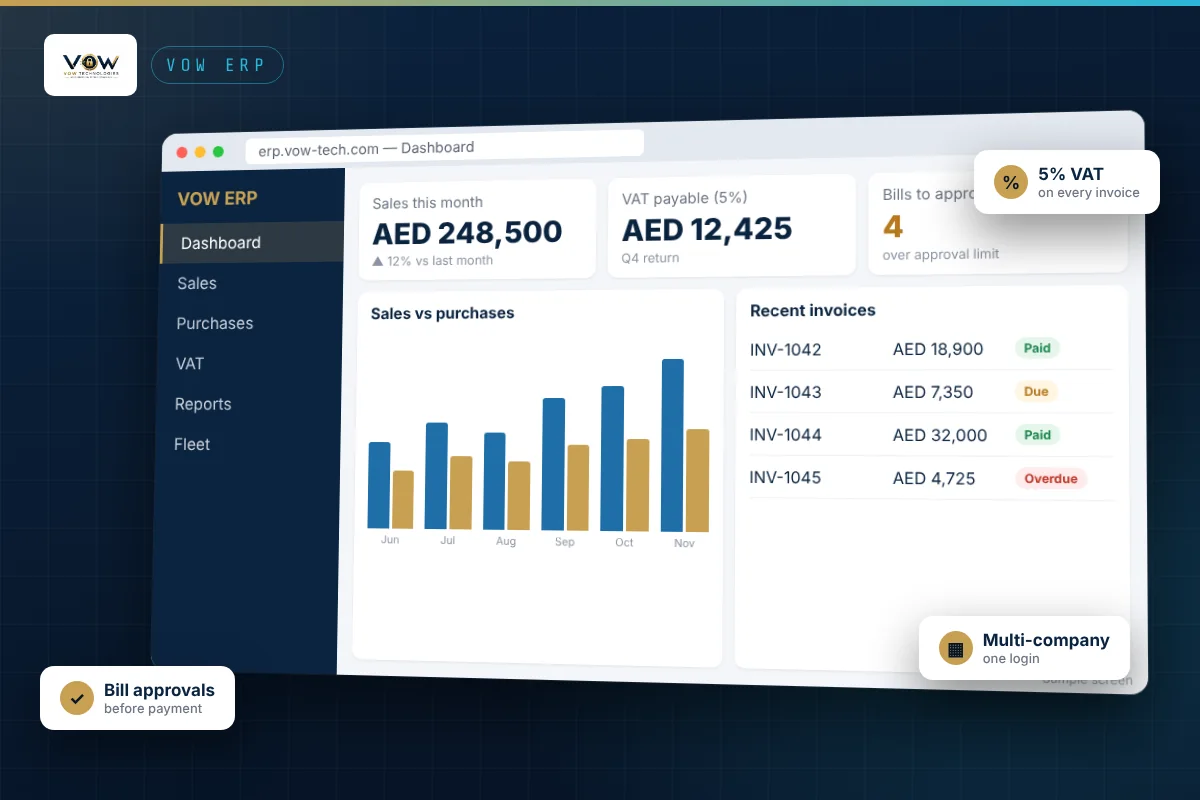
| Several companies in one login | Many UAE owners run mainland and free zone companies side by side |
| Approvals before payment | Stops large bills being paid without a manager’s OK |
| Customer statements and reminders | Cash flow depends on collecting on time |
| Backups and user roles | Your financial data must be safe and only visible to the right people |
Hidden Costs to Watch
Per-user and per-module pricing
Some systems look cheap for one user and one module, then cost much more when you add staff, payroll or inventory. Ask for the total price at your real number of users and modules.
Implementation and consultants
Some ERPs need a paid partner before you can issue a single invoice. Ask who sets the system up, how long it takes and whether training is included.
Hardware and IT around it
Printers, PCs, network, firewall and backups are often forgotten in the budget. Check who looks after them when something stops.
Cloud or Your Own Server?
Cloud ERP is quicker to start and lets branches and managers work from anywhere. An office server can suit companies that want everything on site. Either way, ask how backups are taken, where they are stored and how quickly the system can be restored.
Moving Your Data
- Clean your customer and supplier lists in Excel: remove duplicates and add missing TRNs
- Agree a start date, usually the first day of a month or VAT period
- Import opening balances and open invoices
- Run both systems side by side for a short time and compare the reports
- Switch over and keep the old files for reference
Questions to Ask Any ERP Supplier
- What is the total yearly cost for our users and modules?
- Who sets it up, moves our data and trains our staff?
- Who do we call when it stops at night, and how fast do you answer?
- Can one login manage all our companies?
- Can we see a demo with examples from our type of business?