
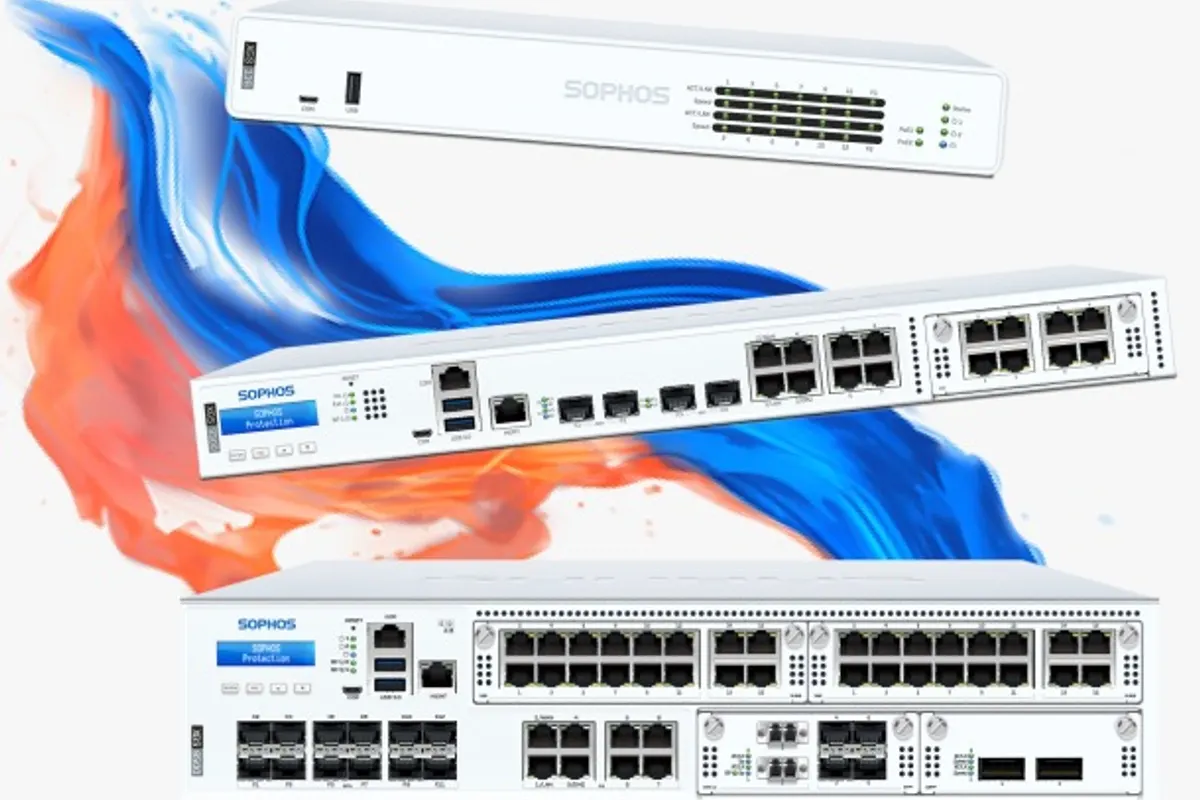
1. Update the Firmware First
Before you configure anything, update the firewall to the latest supported firmware. Updates fix security holes that attackers actively look for. Then turn on scheduled checks so you are told when new versions come out, and plan updates outside office hours.
2. Lock Down Admin Access
- Change the default admin password and create named admin accounts for each engineer
- Turn on multi-factor authentication for admin logins
- Do not allow admin access from the internet (WAN); manage remotely through Sophos Central or a VPN instead
- Restrict the user portal and VPN portal to the services you actually use
3. Register It in Sophos Central
Sophos Central gives you one place to see the firewall's status, push changes, back up the configuration and receive alerts. If you also use Sophos endpoint protection, the firewall and endpoints can share health information, so an infected PC can be isolated automatically.
4. Build Clear Zones and Rules
- Separate the network into zones: staff, servers, guest Wi-Fi, CCTV and phones, and printers
- Write rules from most specific to most general, and give each one a clear name
- Block guest Wi-Fi and CCTV from reaching the staff and server networks
- End with a deny rule, and log it, so you can see what is being blocked
- Never forward ports such as remote desktop directly to the internet
5. Turn On the Protection You Paid For
Depending on your licence, enable intrusion prevention, web filtering, application control and zero-day protection on the outbound rules. Block known malicious and high-risk website categories for all users, and adjust by department if needed.
6. Plan TLS (HTTPS) Inspection Carefully
Almost all web traffic is encrypted, so the firewall cannot see threats inside it unless TLS inspection is on. Start with a limited set of users or categories, deploy the firewall certificate to company devices, and exclude banking, health and sites that break. Done carefully, it improves protection without annoying staff.
7. Set Up Remote Access VPN Securely
For staff working from home, use the Sophos remote access VPN with multi-factor authentication, connected to your directory if possible. Give each group access only to what it needs, not the whole network.
8. Configure Site-to-Site VPN and Internet Failover
If you have branches in Abu Dhabi and Dubai, connect them with site-to-site VPN rather than exposing services. If you have a second internet line, set up failover so the office stays online when one provider has an outage.
9. Back Up the Configuration
Schedule automatic configuration backups, keep a copy off the firewall, and take a manual backup before every major change. If the appliance fails, a backup turns a day of rebuilding into an hour.
10. Monitor, Alert and Review
- Send alerts by email for high-severity events, VPN failures and firmware updates
- Review the logs and reports at least monthly
- Remove old rules, unused VPN accounts and leavers every quarter
- Track licence and support renewal dates so protection never lapses
Bringing It Together
A well-configured Sophos Firewall is one of the best security investments a small business can make, but only if it is updated, locked down, segmented and monitored. VOWTECH supplies, configures and manages Sophos Firewall and other firewall appliances for offices across Abu Dhabi and Dubai.