
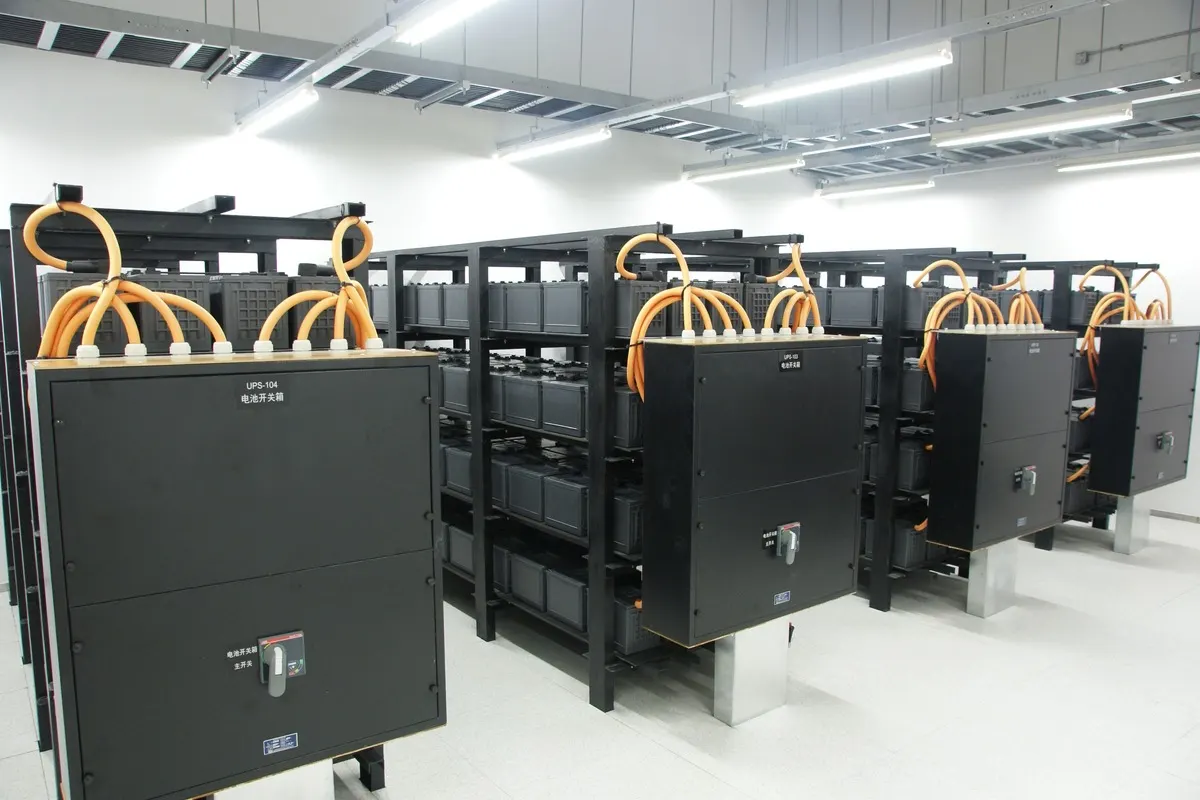
What a UPS Actually Does
A UPS (uninterruptible power supply) sits between the wall socket and your equipment. When the mains power drops, its battery takes over instantly, so the server, switches and firewall keep running. It also filters spikes and dips that slowly damage power supplies. For an office, the main job is not to run for hours. It is to ride through short outages and, during a long one, give the server time to shut down cleanly.
Step 1: List Everything That Needs Protecting
Write down every device that must stay on: the server or NAS, the firewall, core network switches, the internet router, the CCTV recorder and any phone system. Leave out printers and heaters; laser printers in particular draw large bursts of power and should never be on a UPS.
Step 2: Add Up the Load in Watts
Check the power rating on each device or its datasheet, or better, measure it. A typical small office load looks like this:
- Small tower server: 150 to 300 W under normal load
- Firewall and router: 20 to 60 W each
- 24-port PoE switch with cameras or access points: 100 to 370 W, depending on what it powers
- CCTV recorder with drives: 30 to 80 W
Add the figures together. This total in watts is the number that matters most.
Step 3: Understand VA vs Watts
UPS units are sold by VA (volt-amperes) but also have a watt limit, which is usually 60 to 90 percent of the VA figure. A "1500 VA" unit might only deliver 900 to 1350 W. Always compare your load in watts with the UPS watt rating, and keep the load at no more than about 70 to 80 percent of it. That leaves headroom for growth and keeps the batteries running longer.
Step 4: Decide How Much Runtime You Need
Runtime depends on the load and the battery size. For most offices, 10 to 20 minutes is enough: it covers short cuts and gives time for an automatic, clean shutdown. If you need the network and phones to run for an hour or more, you need extra battery packs or a generator, and a UPS that supports external batteries.
Step 5: Pick the Right Type
- Line-interactive: good value for network cabinets and small servers in offices with stable power.
- Online (double conversion): the equipment always runs from the inverter, so it gets clean power with zero switch-over time. Recommended for main servers, sites with a generator and anywhere power quality is poor.
- Standby (offline): fine for a single desktop PC, not for servers.
Choose a rack-mount UPS if your equipment sits in a server rack, and a tower model if it sits on the floor.
Step 6: Plan for Heat and Battery Life
Batteries age much faster in heat. A UPS in an air-conditioned server room may keep its batteries for three to five years; one in a hot store room in summer may need new batteries in less than two. Keep the UPS in a cool, ventilated place, and plan to test and replace batteries on a schedule rather than waiting for a failure.
Step 7: Connect It for Automatic Shutdown
A UPS only protects data if the server knows when the battery is running low. Connect the UPS by USB or a network card and set up the shutdown software, so servers, storage and virtual machines close cleanly before the battery runs out. A network card also lets the UPS send email alerts when power fails or a battery needs replacing.
Common Mistakes
- Buying by VA only and overloading the watt rating
- Plugging printers, kettles or heaters into the UPS
- Never testing the batteries until a power cut proves they are dead
- Protecting the server but not the switch and firewall, so the server stays on but nobody can reach it
- No automatic shutdown, so the server still crashes when the battery runs out
Bringing It Together
Add up the load in watts, choose a UPS with 20 to 30 percent headroom, size the battery for at least 10 minutes, pick an online UPS for main servers, keep it cool and set up automatic shutdown. VOWTECH supplies, installs and maintains UPS systems for offices, server rooms and CCTV sites across Abu Dhabi and Dubai, and includes battery checks in our IT AMC.