
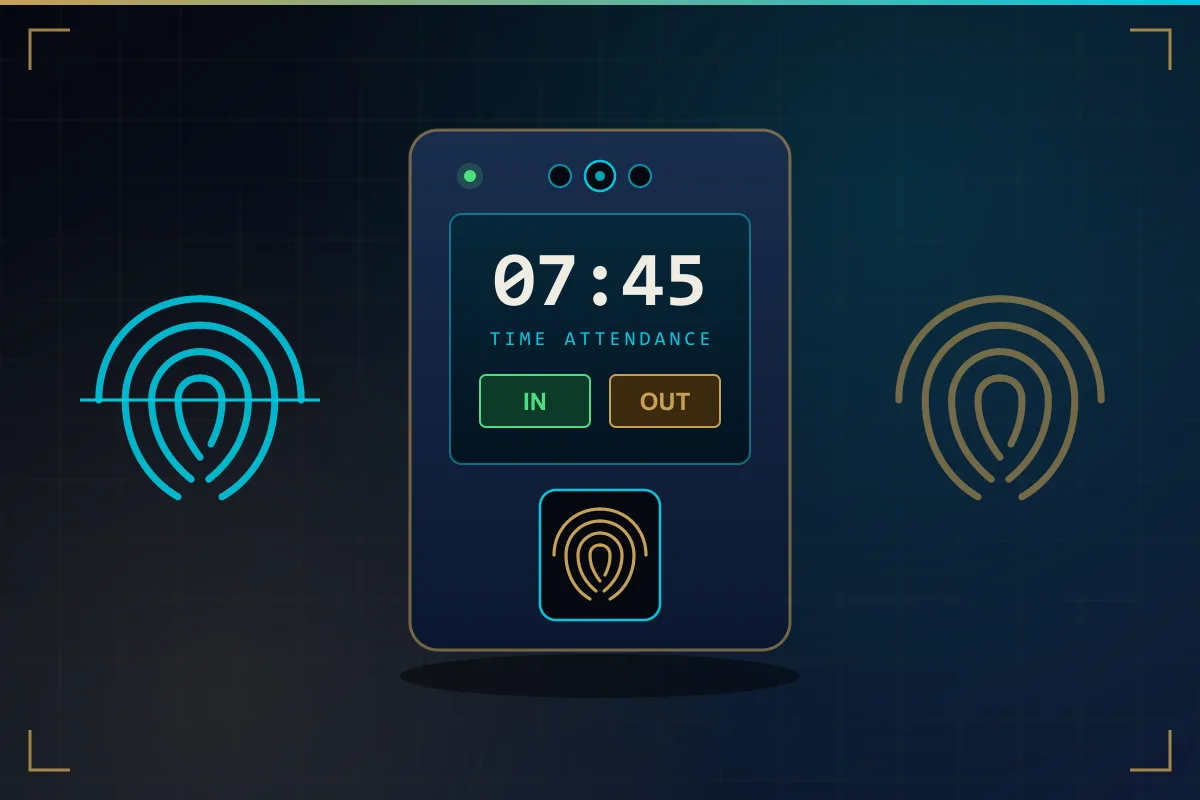
The Three Parts of Every System
A biometric attendance system is not a single product. It is three parts working together: a terminal at the entrance that identifies people, attendance software that stores and interprets the records, and the network that carries data between them. When one of the three is weak, the whole system feels unreliable, even if the device itself is perfectly good.
The terminal may read fingerprints, faces, cards or a combination. The software may run on a PC or server in your office, or be hosted in the cloud. Understanding how the pieces interact makes it easier to choose biometric devices sensibly and to troubleshoot problems later.
Enrollment: How an Employee Gets Into the System
Before anyone can punch, they have to be enrolled. An administrator creates a user record with an employee ID, name and department, then captures the biometric. For a fingerprint this normally means placing the same finger on the sensor several times so the device can build a consistent reading. For face recognition the employee looks at the camera while the terminal captures their facial features from a short distance.
Good enrollment is the biggest single factor in how well the system performs day to day. A few practical habits help:
- Enroll two fingers per person, ideally one from each hand, so a cut or a plaster does not lock someone out.
- Make sure fingers are clean and dry, and placed flat and centred rather than on the tip.
- Enroll faces in lighting similar to where the device will be used, without sunglasses or a cap shading the face.
- Use the same employee ID as your HR or payroll records so reports line up later without manual matching.
In a multi-device setup an employee is normally enrolled once, and the software pushes the record to the other terminals.
Templates, Not Pictures: What Is Actually Stored
A common worry is that the device keeps a photograph of every fingerprint. In most modern systems that is not how it works. During enrollment the device analyses the fingerprint or face, picks out distinguishing features — such as where ridges end and split, or the relative geometry of facial features — and converts them into a mathematical record called a template.
The template is a compact block of data that is meaningful to the matching algorithm but is not an image, and it is generally not designed to be turned back into the original fingerprint or face. It is what gets stored on the device and, in most setups, in the attendance software database. Some face terminals can also keep a small user photo for display, usually as a configurable option, so ask how a particular device handles it.
Matching: What Happens When Someone Punches
When an employee presents a finger or face, the device builds a fresh template from the live reading and compares it with the stored ones. It calculates a similarity score, and if the score passes a set threshold the person is identified and the punch is accepted. On most terminals the comparison happens on the device itself, which is why it feels instant and why it still works when the network is down.
Identification and verification
There are two ways of matching. In identification mode the employee simply presents a finger or face and the device searches all enrolled templates. In verification mode the employee first enters an ID or taps a card, and the device checks the biometric against that one record only. Identification is more convenient; verification can help with very large user lists or with people whose fingerprints are hard to read.
The threshold is a balance between rejecting genuine employees and accepting a wrong match. The default suits most workplaces, and persistent rejections are more often solved by re-enrolling the person than by changing it.
From Device to Software: Sync and Offline Buffering
Each accepted punch is saved in the device memory as a simple log entry: user ID, date, time, the device it came from and sometimes a status such as check-in or check-out. The attendance software then collects these logs. Depending on the product, the software pulls logs from the device on a schedule, or the device pushes each punch to the server or cloud service as it happens.
Because logs are stored locally first, a network outage does not stop people punching. The terminal keeps buffering records and transfers them once the connection returns. This only works well if the device clock is correct, so time synchronisation should be part of the setup. A device that stays off the network for days shows up as missing data in reports, even though nothing has actually been lost.
A fixed IP address, a stable cable or Wi-Fi link and the right firewall rules are therefore a standard part of a professional attendance system installation. For companies with several branches, the terminals at every site report into one central database, which is how a multi-branch attendance system gives head office a single view.
How Raw Punches Become Reports
A raw log is only a list of times. The software gives it meaning by applying your rules: shift start and end, grace periods, weekends, public holidays, break deductions and overtime. From that it works out who was present, late, absent or left early, and how many hours each person worked.
Typical outputs include a daily attendance sheet, a monthly summary per employee, late and absence reports, and overtime totals. Most attendance software can export to a spreadsheet or to a file that payroll software can import. The same process applies whether staff use a fingerprint terminal, a face terminal or a card-based punch-in and punch-out machine — only the way the person is identified changes.
Privacy, Consent and Sensible Housekeeping
Biometric data is personal data and deserves careful handling. Employers should consider UAE data protection and labour requirements when introducing a biometric system, and take advice where they are unsure. Practical good practice is straightforward:
- Tell employees clearly what is collected, why, and who can see it, and record their acknowledgement or consent as your policies require.
- Limit administrator access on devices and software to the people who genuinely need it, each with their own password.
- Delete the templates of employees who leave, as part of the normal exit process.
- Keep the attendance database backed up, and the server or PC it runs on patched and protected.
- Offer an alternative such as a card or PIN for anyone who cannot use the biometric reader.