Moving a server or replacing a network is the riskiest routine job in IT, because everything the business uses is touched at once. VOWTECH plans and carries out server, data, email and network migrations for companies in Abu Dhabi, Dubai and across the UAE, with backups verified before anything is moved.
Businesses migrate for good reasons: a server has reached the end of its supported life, the company is relocating, storage has run out, or email is moving to the cloud. The move itself is usually a few hours of work. What determines whether it goes well is the preparation done in the weeks beforehand.
VOWTECH starts by finding out what depends on what. Which applications point at the old server by name or IP address? Which printers, scanners and attendance devices have addresses hard-coded? Which scheduled tasks and shared folders will break? That inventory drives the migration plan, the test list and the rollback plan.
Migrations often combine several moves. A hardware refresh may be the right time to adopt virtualization, an email server may give way to Microsoft 365 and Exchange Online, and a relocation brings the network with it. We sequence these so that each change is tested before the next begins.
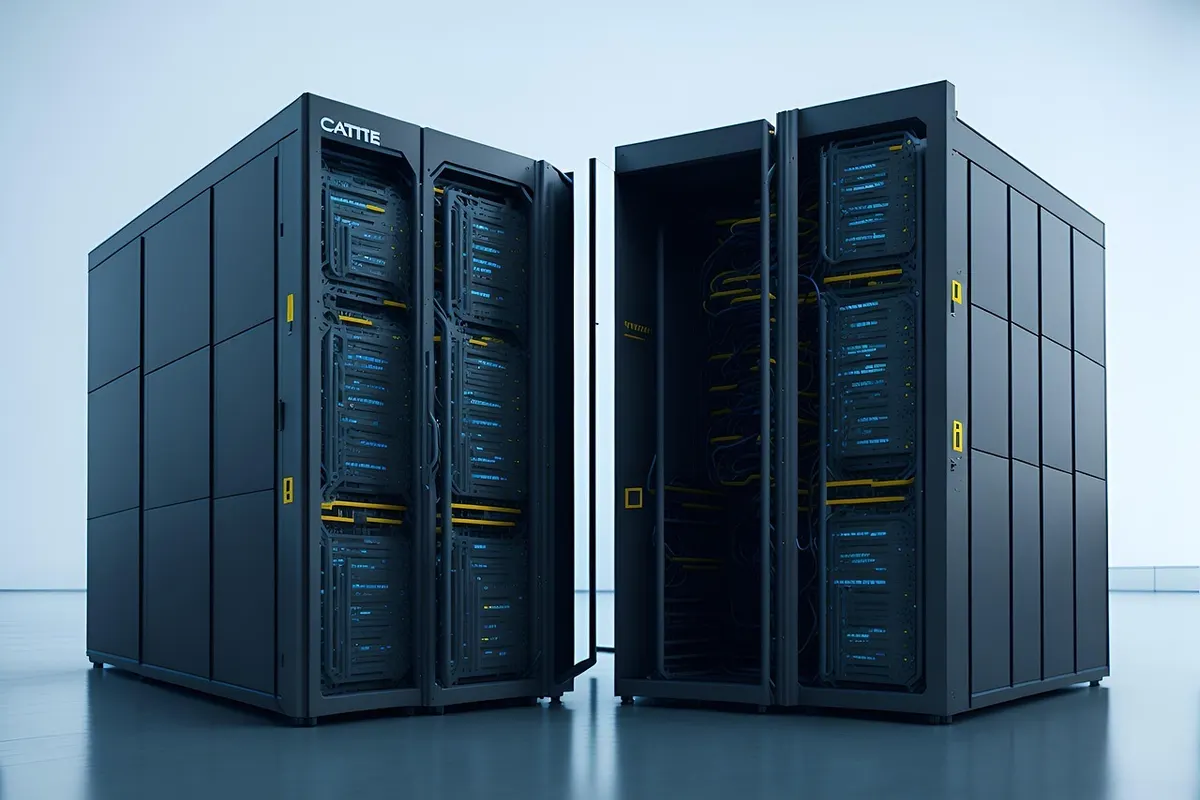
Three kinds of move, often combined in one project and always planned around the same principle: back up, move, test, then decommission.
Roles, applications and settings are moved from an old physical or virtual server to new hardware, a new operating system version or a virtual platform, with the old server kept intact until the new one is proven.
Switches, routers and firewalls are replaced or relocated, addressing schemes are changed and internet providers are swapped, without leaving devices stranded on the old configuration.
File shares, databases and mailboxes are transferred with permissions and folder structures preserved, then verified against the source before users are pointed at the new location.
Each of these is a defined task in the project plan, with an owner and a test that shows it is complete.
We document servers, roles, applications, shares, address assignments and the devices that rely on them, so nothing is discovered for the first time on cutover night.
A full backup is taken and a test restore is performed before migration begins, because a backup that has never been restored is only a hope.
The new server is built, patched and hardened, then roles and applications are moved across in an order that keeps sign-in and file access working.
New switches, routers and firewalls are pre-configured and tested on the bench, so the on-site changeover is a swap and a verification instead of a build.
Mailboxes and files are copied in advance and synchronised again at cutover, which keeps the final switchover short and avoids missing recent changes.
Engineers are on hand on the first working day to deal with mapped drives, printers, shortcuts and the small issues every migration produces.
The order matters: nothing moves until it has been backed up, and nothing is switched off until its replacement is proven.
Systems and dependencies are mapped, and a plan, test list and rollback route are agreed.
Everything in scope is backed up and a restore is tested before work starts.
Roles, applications and data are moved to the new platform and checked against the source.
Pre-configured network equipment is cut over and devices are confirmed on the new setup.
Users test real tasks, documentation is updated and old systems are retired safely.
No honest provider can promise a migration without any interruption. What can be controlled is how short, how planned and how reversible it is.
The old system stays untouched until the new one is accepted, so a failed step means a return to yesterday, not a crisis.
Disruptive steps are scheduled for evenings or weekends, agreed with you in advance.
Success is defined before the move: sign-in, shares, applications, printing, email and remote access are each checked.
One team handles both, which removes the usual argument over whether a fault is the server or the network.
Patching, monitoring and administration for the servers you run after migration.
Learn moreConsolidate physical servers onto a virtual platform as part of the move.
Learn moreMoving premises with the network, servers and workstations planned together.
Learn moreThe safety net that every migration depends on.
Learn moreMicrosoft 365, private cloud and backup options for workloads leaving the server room.
Learn moreKeep the new environment maintained under an annual maintenance contract.
Learn moreTell us what needs to move and when. We will map the dependencies, propose a cutover plan and carry out the migration with a tested route back.